Credits and billing
Delta AI charges credits per run. This page explains what a run costs, how holds protect you from overspending, and what happens when your balance cannot cover a run.
How credits are charged
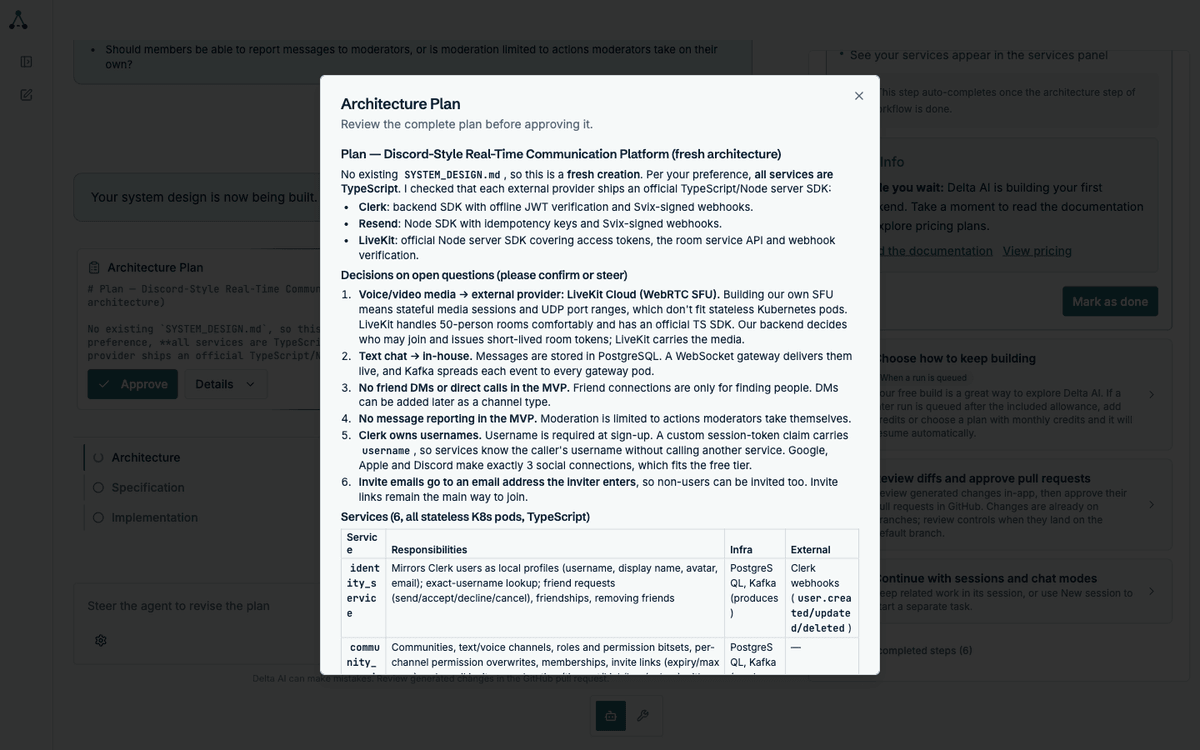
Section titled “How credits are charged”Each workflow step has an estimated cost, shown before you commit to it. The estimate appears in the architecture plan, per service, so you know roughly what a build will cost before approving it.
Estimates, holds and actual cost
Section titled “Estimates, holds and actual cost”Three different numbers are involved, and they are not the same:
| Number | What it is | When you see it |
|---|---|---|
| Estimate | The architect’s best guess at what a run will cost | In the plan, before you approve |
| Hold | Credits reserved while the run is in flight | In the billing panel, while the run works |
| Actual cost | What the run really consumed | After the run settles |
The estimate is deliberately conservative. Holds are adjusted using a data-driven analysis of what comparable runs actually cost, so the amount reserved is fairer than the raw estimate. In practice, expect the actual cost to come in below what the architect advertised — the estimate is an upper bound, not a target.
The hold can differ from the estimate, and the actual cost can differ from the hold. When the run settles, the difference is reconciled against your balance.
When a run starts, credits are held from your balance. The hold is released when the run settles:
- Success — the hold converts to a charge at the actual cost
- Failure — the hold is released in full
- Pause — the hold stays in place while the run waits for you
When credits come back
Section titled “When credits come back”A run that fails returns its hold. That includes:
- A run that could not complete its work
- A run that hit an unrecoverable error
- A run you abandoned before it settled
You are not charged for work that did not land.
When a run is queued
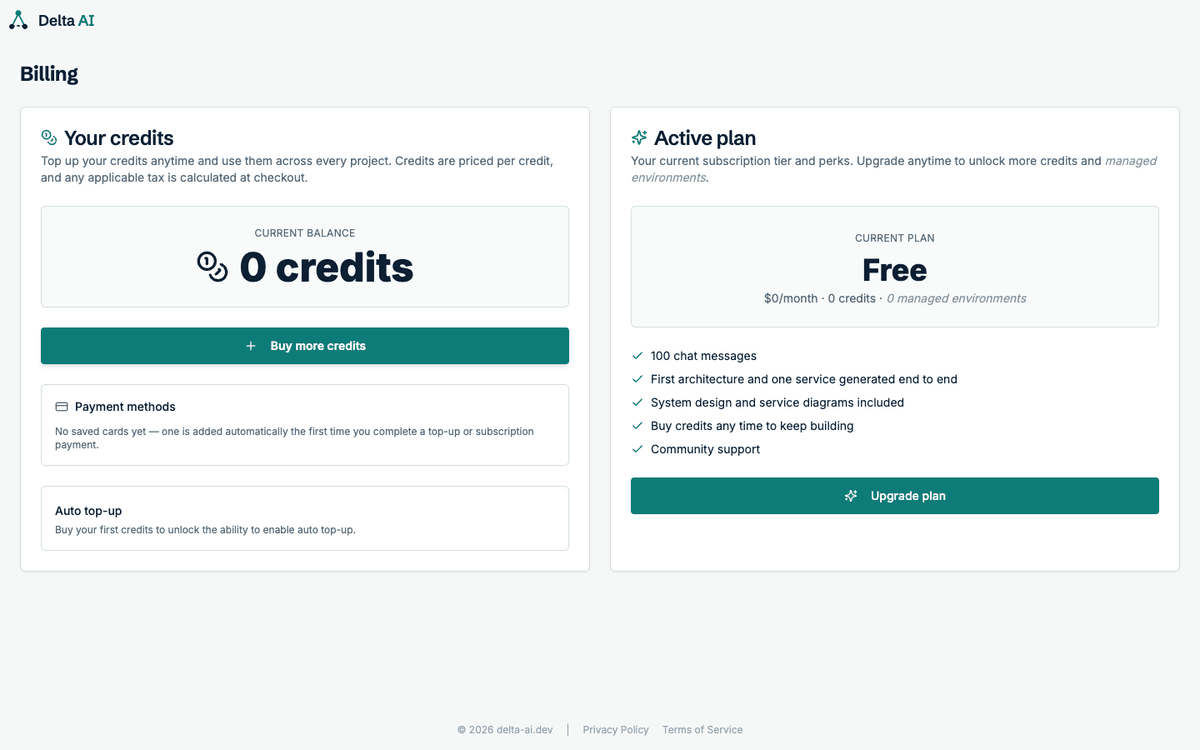
Section titled “When a run is queued”A run is queued when your available balance is negative. That happens when the holds from runs already in flight exceed what you have left — a large batch of parallel runs can do it even on a healthy balance.
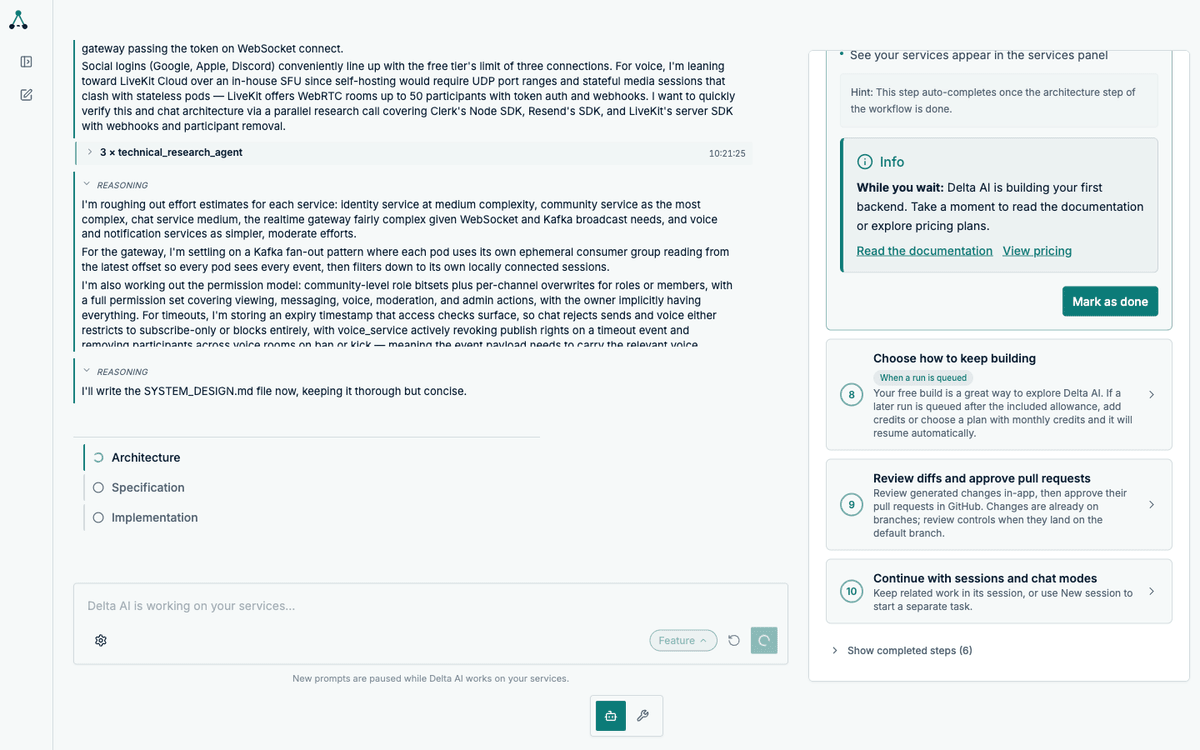
Queued is not a failure and not a limit on your plan. It is a balance check. Two things prevent it:
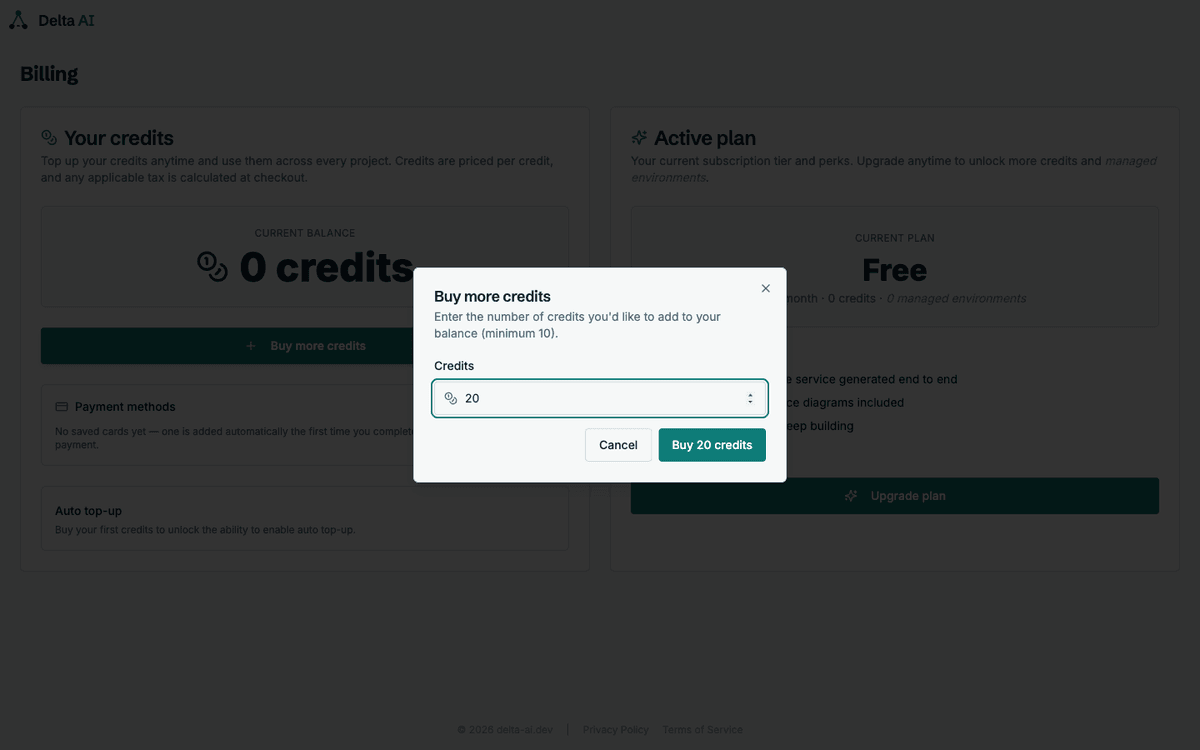
- Automatic top-up — configure it in billing and credits are bought when the balance drops below your threshold
- Manual top-up — add credits before starting a large batch
Queued runs resume automatically. Nothing is lost and nothing needs restarting.
Topping up
Section titled “Topping up”Buy credits from the billing panel. Credits never expire, and they cost less per credit inside a plan.
The free tier
Section titled “The free tier”A new account covers the first architecture and one service end to end, free. That means:
- The architecture step, including the system design and its overview diagram
- The specification step for one service, including that service’s diagram
- The implementation step for that service, delivered as a pull request
It is a complete vertical slice, not a preview. You see the full output for one service before paying anything.
Anything beyond that needs credits: a second service, a second session, a Feature change that touches an existing service. If your balance cannot cover a run, the run is queued rather than refused.
Plans bundle credits at a lower per-credit price. See Pricing for the current tiers.